Everything, answered plainly
How Tryft works.
What it costs, what happens to your photo, and where it stops being useful.
The whole thing, in three steps
Save one photo. Then try on anything.
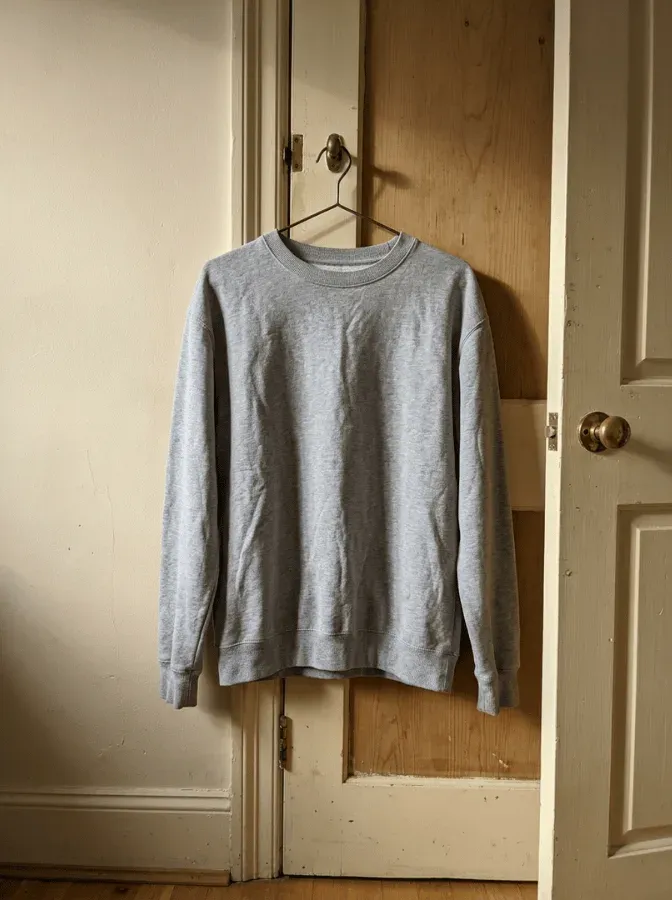
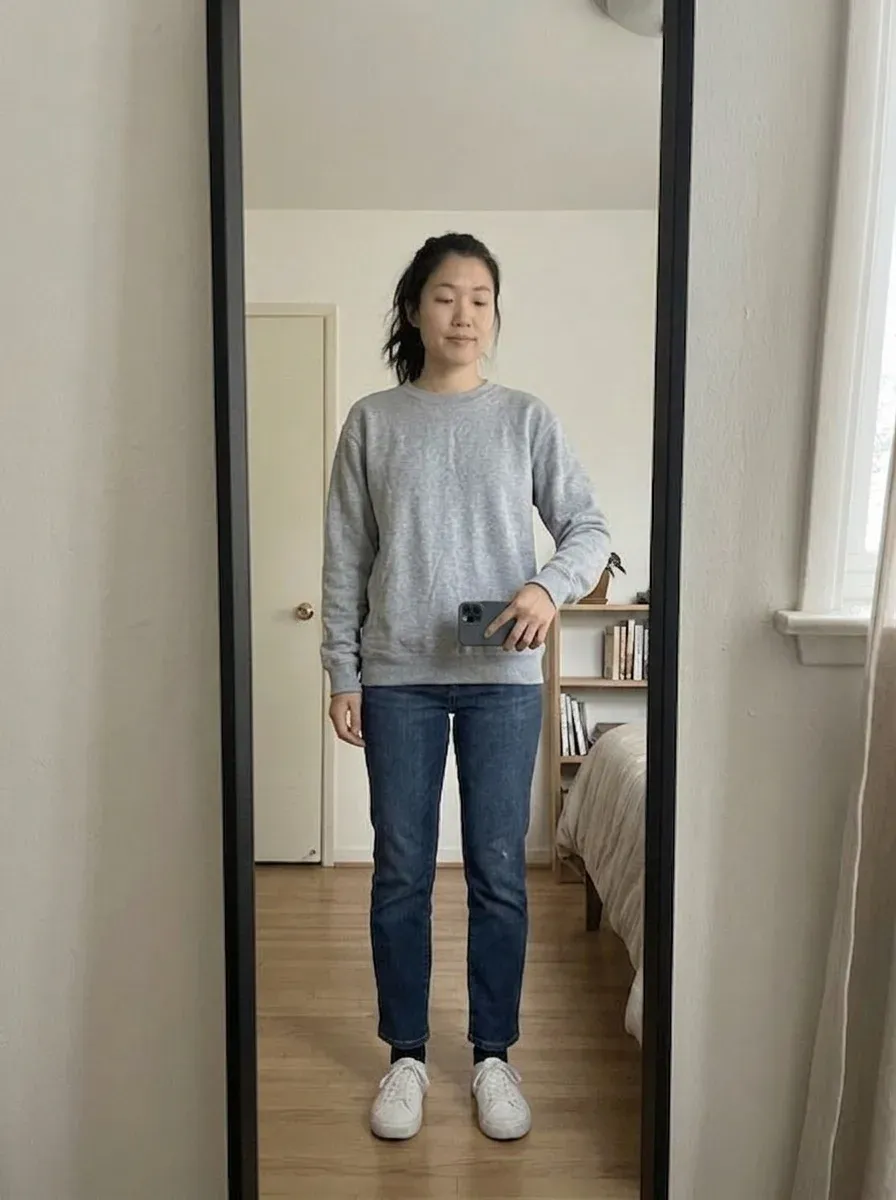
One photo of you
Full length, once. Reused for every render after that.
Any garment photo
Shared straight from the app you found it in. Hanger shots welcome.
One credit, one outfit
Every item you added, rendered together in a single image.
Questions
Everything else.
What is Tryft?
An Android app that shows you a garment on your own body before you buy it. You save one full-length photo of yourself, then share any garment photo into the app — usually a listing photo from a resale marketplace — and it renders that garment onto your photo, normally in under half a minute.
Is it AI?
Yes. Every render is an AI-generated image, produced from your saved photo and the garment photo you shared. It is a good guide to how a garment looks on you. It is not a photograph, and it is not a promise about fit, fabric or exact colour.
What does a new account start with?
Two things, and neither costs anything. A free render runs on its own the moment you save your photo — on a sample garment bundled with the app, so there is nothing to go and find first. If it does not come out, it does not count against you. And a welcome credit lands on the account, which renders the first thing you actually found: every item you have added, in one image. The credit is one per phone, and it arrives once Google Play confirms the app is genuine.
What does a credit cost me, and what does it buy?
Credits are bought in packs from inside the app. One credit renders your whole outfit — every item you have added to a Look, in a single image. It is not one credit per garment, so a three-item outfit costs the same as a one-item outfit. Every control that spends a credit says what it costs, next to itself, before you tap it.
What happens if a render fails?
The credit goes back to your balance automatically, in the same moment the render is marked failed. You do not have to ask, and there is nothing to claim. Every result also has a report control if something comes out wrong but did not technically fail.
Do I need a subscription?
No subscription needed. Tryft Pro exists and is completely optional: it adds credits to your balance each period at a better rate, and that is the only thing it does. It unlocks no feature and removes no limit — the app behaves identically whether you have it or not.
How much does changing a colour cost?
Previewing a colour is free — tap a swatch and look. Preparing a garment so its colour can actually be changed costs one credit, once for that garment. After that, every colour on that garment is free and instant, in any Look and on any device you sign in to. Rendering the recoloured garment onto your photo still costs a credit each time, like any other render.
Does it work with flat-lay and hanger photos?
Yes — that is the case it is built for. Catalogue try-on needs a retailer’s clean product image on a model, which resale listings almost never have. Tryft works from the photo the seller actually posted. A blurry photo with several garments in it will give a worse result than a clear one, the same way it would for a person.
Which marketplaces does it work with?
Any of them. Because it renders from the photograph rather than a product catalogue, Tryft needs no partnership with a marketplace. Share a photo from Vinted, Depop, Wallapop, Grailed, Poshmark, eBay or anywhere else and it works the same way. Tryft is independent and is not affiliated with any of them.
Is my photo used to train an AI model?
No — not ours, and not anyone else’s. The render is made by Google’s Gemini models on the paid tier, the only tier Tryft calls, and Google’s terms for that tier say content sent there is not used to improve its models. Your photos are used for exactly two things: producing the renders you ask for, and one check when you save a photo for whether there is a person in the frame, so the app can warn you that a photo is unlikely to work before you spend anything on it. That is the whole list.
Who else sees my photo?
Google. Your photo and the garment photo go to Google’s Gemini models at the moment of a render, and your photo goes once more when you save it, for the person check. Both are on the paid tier, where Google’s terms say the content is not used to improve its models. Storage, the database and sign-in are Supabase. Purchases go through Google Play and RevenueCat, analytics through Amplitude and crash reports through Sentry, and none of them ever receives a photograph. The privacy policy is the authoritative list.
What happens to the location data in my photos?
It never leaves your phone. Photos are decoded and re-encoded on the device before upload, so the metadata a camera writes — including where a picture was taken — is gone before anything is sent. Only the orientation is carried across, so the image is not sideways.
Can I delete everything?
Yes. From Settings in the app it is immediate and needs nobody’s help: the app names exactly what is about to go, warns you that unspent credits do not survive, and reports success only once your storage is genuinely clear rather than once the request has been sent. If you have already uninstalled, there is no web form — you email us from the address on the account, and we do it within 30 days and in practice much sooner. Renders go when you delete the Look holding them, and when you delete your account.
Can I add a photo of someone else?
Only an adult who has agreed to it. The app is 18+, and photos must be of yourself or of an adult who consented. If someone has uploaded a photograph of you, email admin@nomadlink.tech and we will remove it.
Is there an iPhone version?
Not yet. Tryft is Android only today.
Does it work offline?
Partly, and it says so. Your saved Looks, their covers and a reopened Look’s render all work with no connection. Rendering needs one, because the render happens on a server, not on your phone.
The documents
The privacy policy andterms of service are the authoritative versions of everything on this page. If a sentence here and a sentence there disagree, the policy wins — and pleasetell us, because one of them is wrong. If you have uninstalled the app, theaccount deletion page sets out how to have it done by email.
Still curious? It is free to find out.
A free render on us, and a credit for the first thing you find.
Android. 18+.