Virtual try-on for secondhand shopping · Android
Every listing,
tried on.
See any secondhand find on you before you buy it.
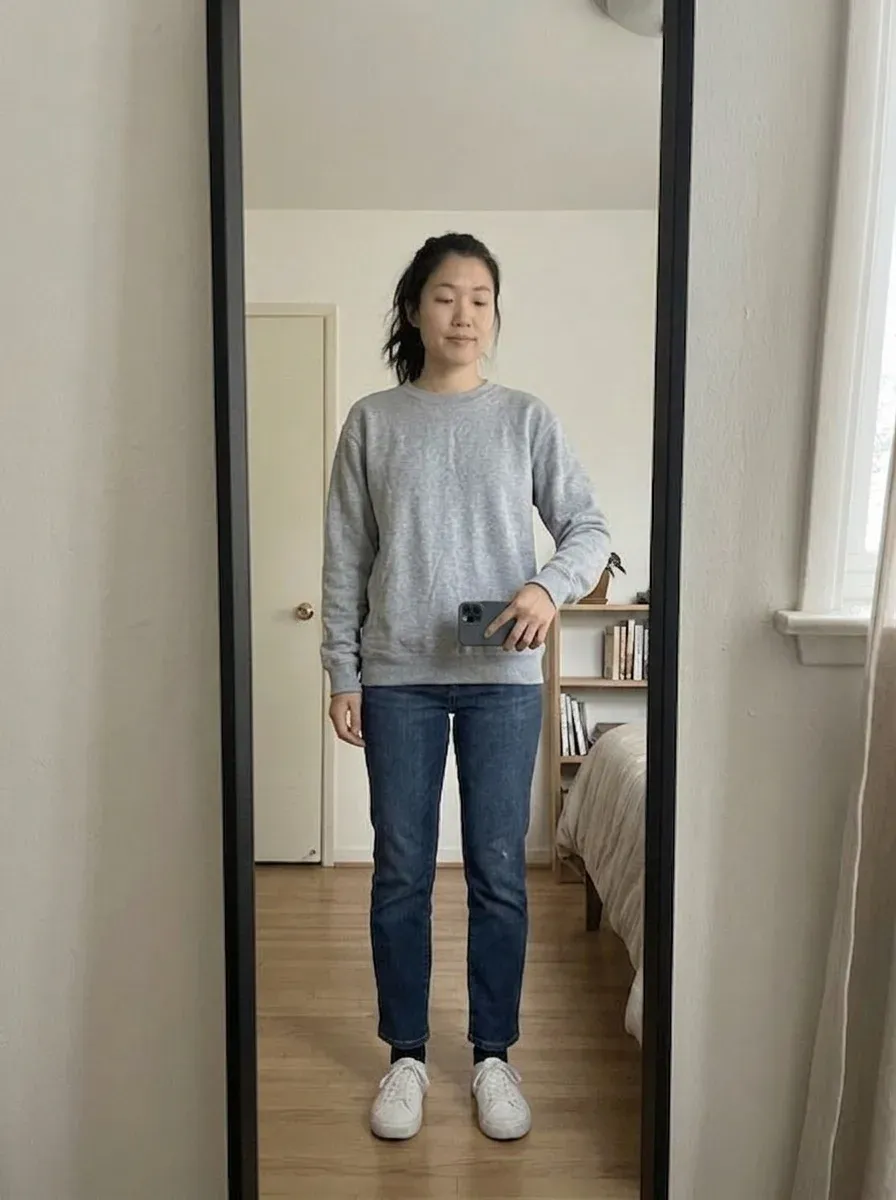
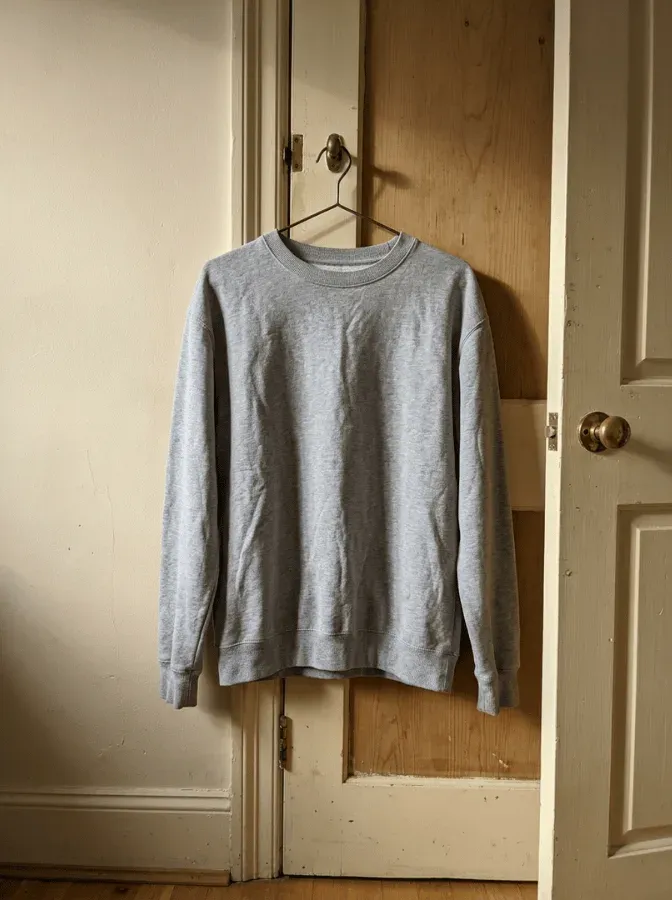
The rack
Your Looks, hung up.
The listing that started it, the render, the outfit it grew into. On a phone, swipe the rail — the one in the middle is picked.

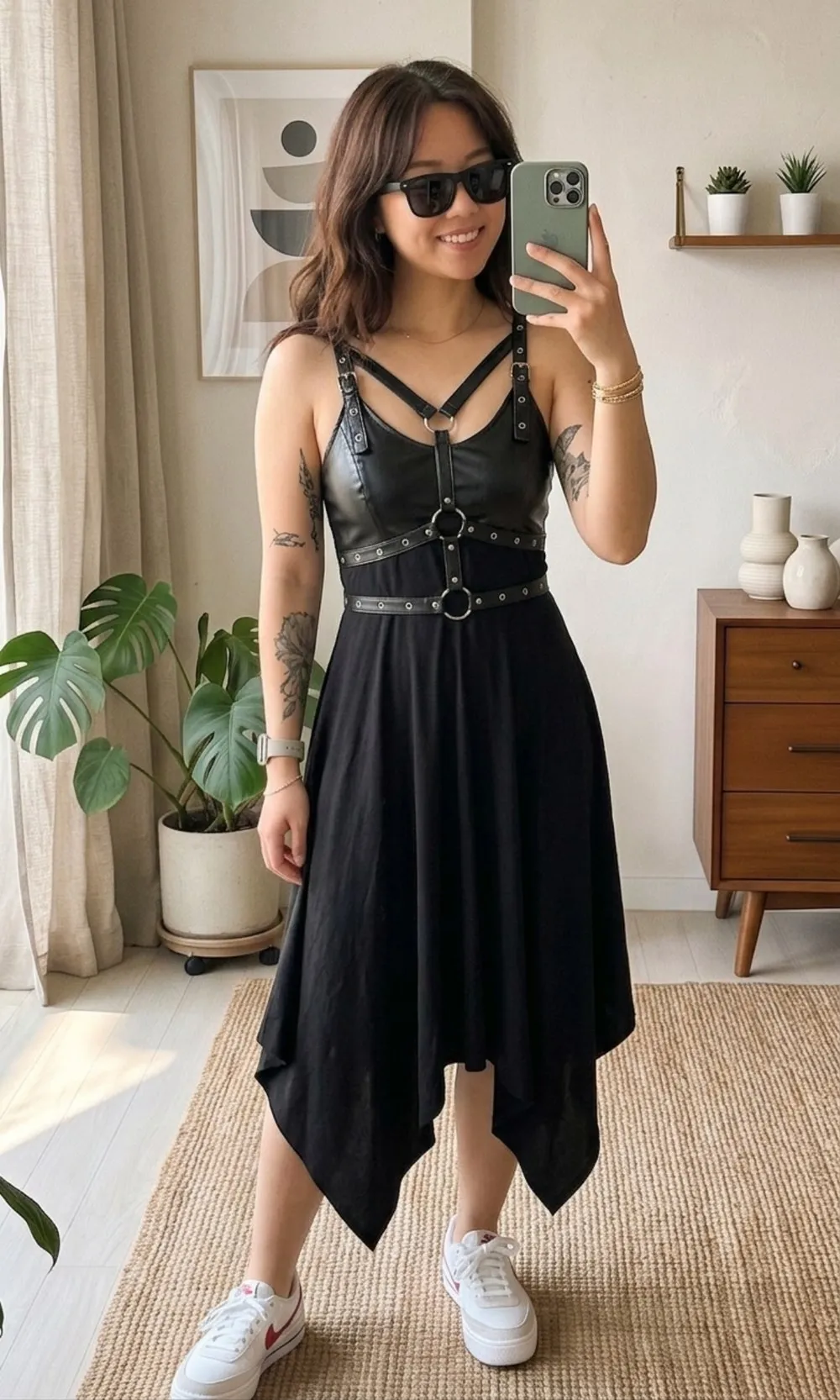
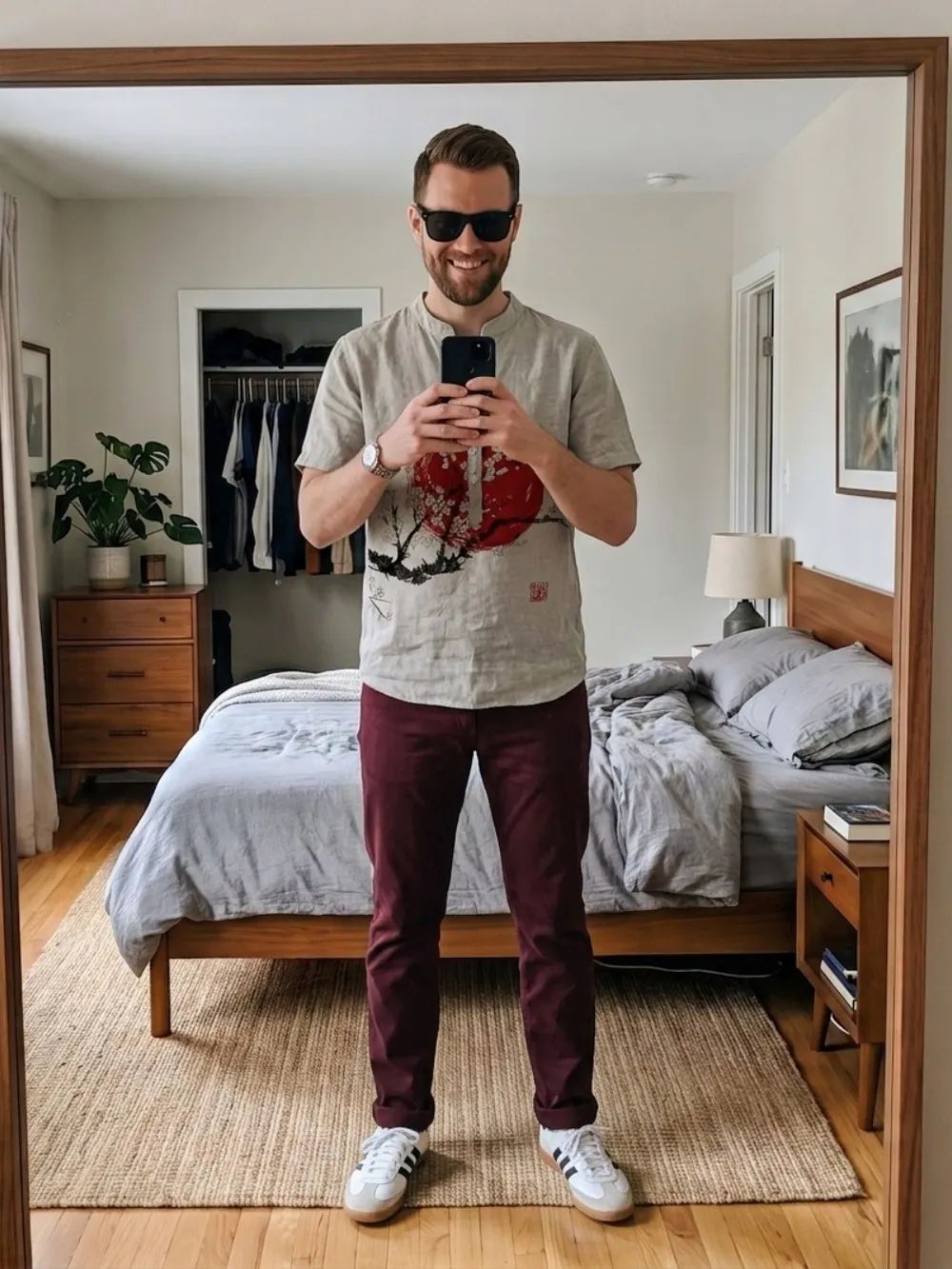
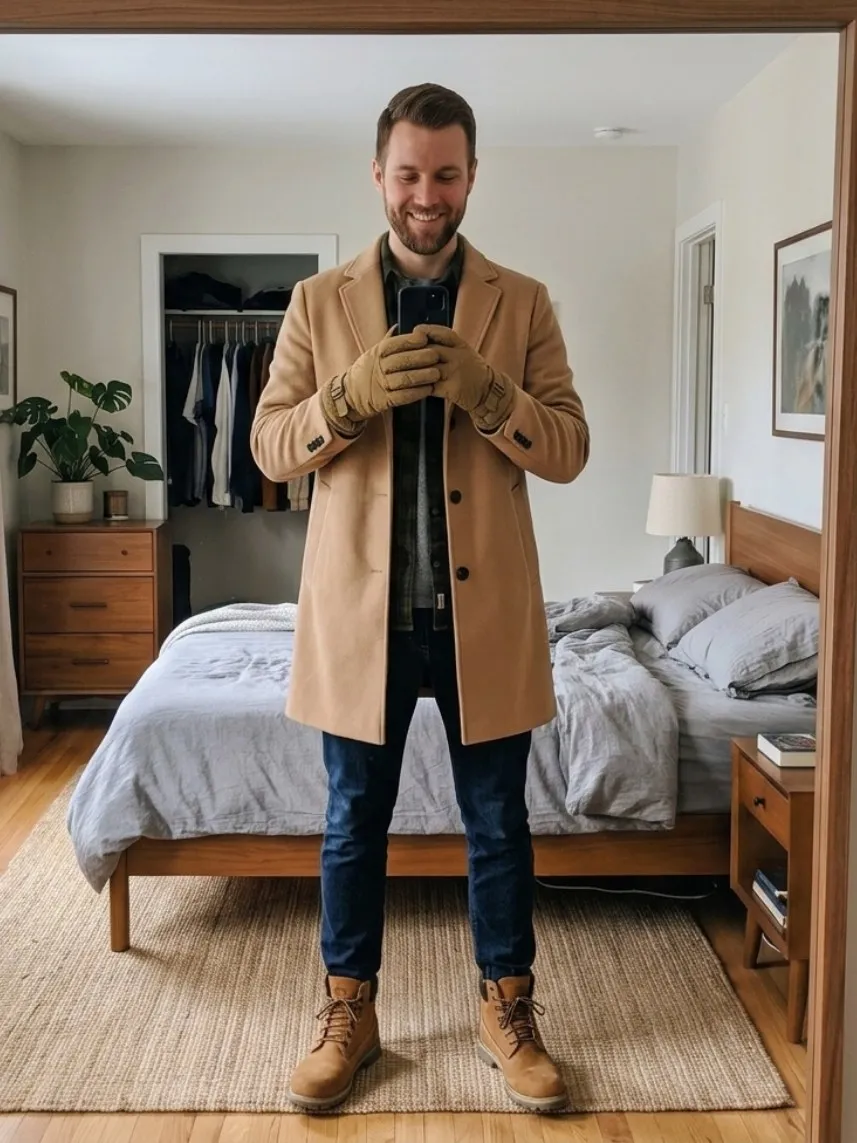
Every render on the rail is an AI-generated image — a guide to how a garment looks, not a promise about fit.
What it costs
Credits, and no subscription needed.
Tryft · what it costs
- One credit renders your whole outfit — every item you have added, in a single image. Not one credit per garment.
- 1 credit
- Previewing a colour on a garment.
- Free
- Preparing a garment so its colour can be changed. Once for that garment — after that every colour on it is free, in any Look, on any device. Rendering it still costs a credit each time.
- 1 credit, once
- A render that fails. The credit returns to your balance automatically, in the same moment the render is marked failed.
- Refunded
- Your first render, on a sample garment bundled with the app. It starts on its own the moment you save your photo, and if it does not come out it does not count.
- On us
- A welcome credit on a new account, so the first thing you find renders too. One per phone, once Google Play confirms the app is genuine.
- +1 credit
Tryft Pro is optional and gates nothing
Pro adds credits to your balance each period at a better rate. That is all it does. It does not unlock a feature or remove a limit — everything in the app works the same whether you have it or not.
Every cost is on screen before you tap
Nothing in Tryft spends a credit without saying what it costs, next to the control, before you touch it. Your balance is on the same sheet as the packs.
A free render on a sample garment, and a credit for the first thing you find. Android, 18+.
Three steps, then it is one tap forever
Save one photo. Then try on anything.
Save one photo
One full-length photo of yourself, once. It stays on your account and is reused for every render after that, so you never upload yourself again.
Share a listing photo
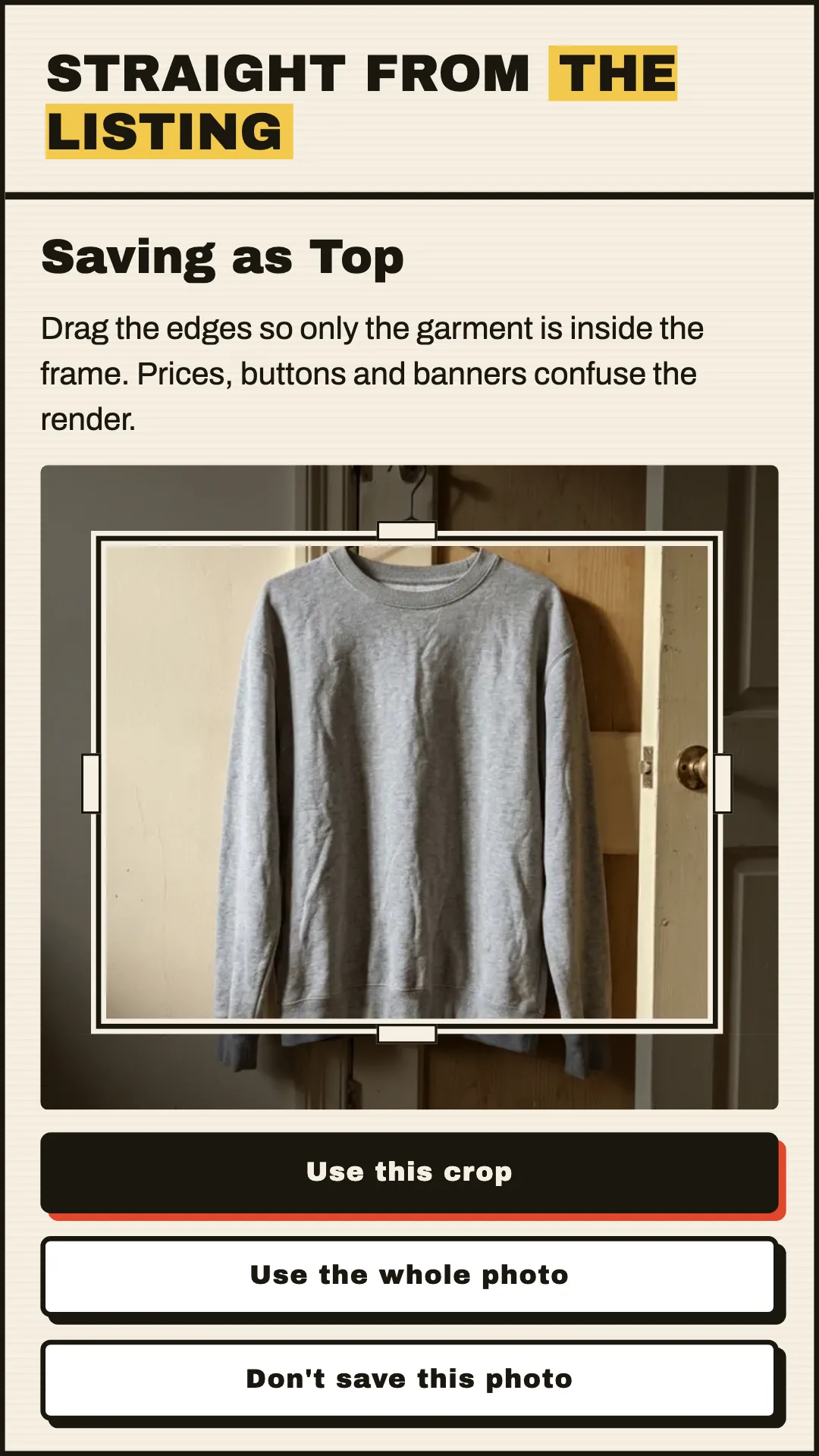
Found something? Share the photo straight from the app you found it in — a hanger shot, a flat lay, a badly lit bedroom floor. Tryft works from the photo, not a catalogue.
See it on you
The garment renders onto your saved photo, usually in under half a minute. Keep the ones worth thinking about as Looks, and add more items to build a whole outfit.
Your photos
Private, and never training data.
Never used to train AI
Not ours, not anyone else's. Your photos are used for two things: the renders you ask for, and one check when you save a photo for whether there is a person in the frame — so the app can tell you a photo is unlikely to work before you spend anything on it.
Location data never leaves your phone
Photos are re-encoded on the device before upload, so the metadata a camera writes — including where the picture was taken — is gone before anything is sent.
Delete everything, any time
Permanently, from Settings in the app. It happens immediately, the app names exactly what is about to go, and it reports success only once your storage is genuinely clear rather than once the request has been sent. Already uninstalled?Ask us by email from the address on the account.
Where the render is actually made
By Google's Gemini models, on the paid tier — the only tier Tryft ever calls. Google's terms for that tier say content sent there is not used to improve its models. That is why Google Play's data-safety card lists photos as shared with a third party: this is the third party, and the render is the reason.
Works with
Any listing photo, anywhere.
Tryft renders from the photograph itself, so it does not need a partnership with a marketplace or a retailer's product catalogue. Catalogue try-on cannot see a hanger shot on Vinted, which is most of what resale is — and Tryft is built around that shot: shared straight from the listing, several items rendered as one outfit.
- Vinted
- Depop
- Wallapop
- Grailed
- Poshmark
- eBay
Named only to say whose listing photos the app works with. Tryft is independent and is not affiliated with or endorsed by any of them.
Questions
The short answers.
What does a render cost?
One credit renders your whole outfit — every item you have added, in a single image, not one credit per garment. Credits come in packs you buy once. If a render fails, the credit comes back automatically. A new account starts with a free render on a sample garment, plus one welcome credit for the first thing you find.
What do I get free when I start?
Two things, and neither costs anything. A free render runs on its own the moment you save your photo — on a sample garment bundled with the app, so there is nothing to go and find first. If it does not come out, it does not count against you. And a welcome credit lands on the account, which renders the first thing you actually found: every item you have added, in one image. The credit is one per phone, and it arrives once Google Play confirms the app is genuine.
Do I need a subscription?
No subscription needed. Credits are bought in packs and do not expire on a clock. Tryft Pro exists and is entirely optional — all it does is add credits to your balance at a better rate. Nothing in the app is locked behind it.
Is my photo used to train an AI model?
No — not ours, and not anyone else’s. The render is made by Google’s Gemini models on the paid tier — the only tier Tryft calls — and Google’s terms for that tier say content sent there is not used to improve its models. Your photo is used for two things only: making the renders you ask for, and one check when you save it for whether there is a person in the frame, so the app can warn you before you spend anything. Location data is removed on your phone before upload, and you can delete everything from Settings at any time.
Which marketplaces does it work with?
Any of them. Tryft works from the listing photo itself, so it does not need a partnership with a marketplace or a retailer’s product catalogue. Share a photo from Vinted, Depop, Wallapop, Grailed, Poshmark, eBay or anywhere else and it renders the same way.
Stop guessing from a hanger shot.
Save one photo. See the next thing you find on you.
Android. 18+. Photos of yourself, or of an adult who agreed to it.